Board Game Text
These are six simple rules to improve the legibility of text. In general, you should follow these rules even when creating a first prototype.
You can click the check boxes beside each section header to see what it might look like if you didn’t follow the stated rule.
Too long; didn’t read
If you’re using a program like Google Docs or Microsoft Word, increase the font size to 12pt, increase the margins to leave the text with 4.5 inches, and don’t change the font-face or any color settings.
For more precise details, read the article below.
Use a legible font
Use the Atkinson's Hyperlegible Next font by default.
The Atkinson's Next font was designed for legibility. This ensures that your text is distinguishable, even when using individual letters or numbers like I, l, or 1.
The Atkinson's font is also free to use, which you may not realize is an issue with other fonts. Times New Roman, for example, requires a license.
Trim your line-length
Keep multi-line text between 50 and 75 characters long.
Research shows that lines between these lengths are easier to read. To achieve this, I created a measuring stick. The line of text below is 59 characters long and has the same character frequency and average word length of English text.
ohien r uyidainbt og tetsrahe lhetdla emif srkstw coe nepao
Whenever I'm putting together a document, I drop that line in the text and adjust the layout until the line either barely fits or almost fits.
Don't use small text
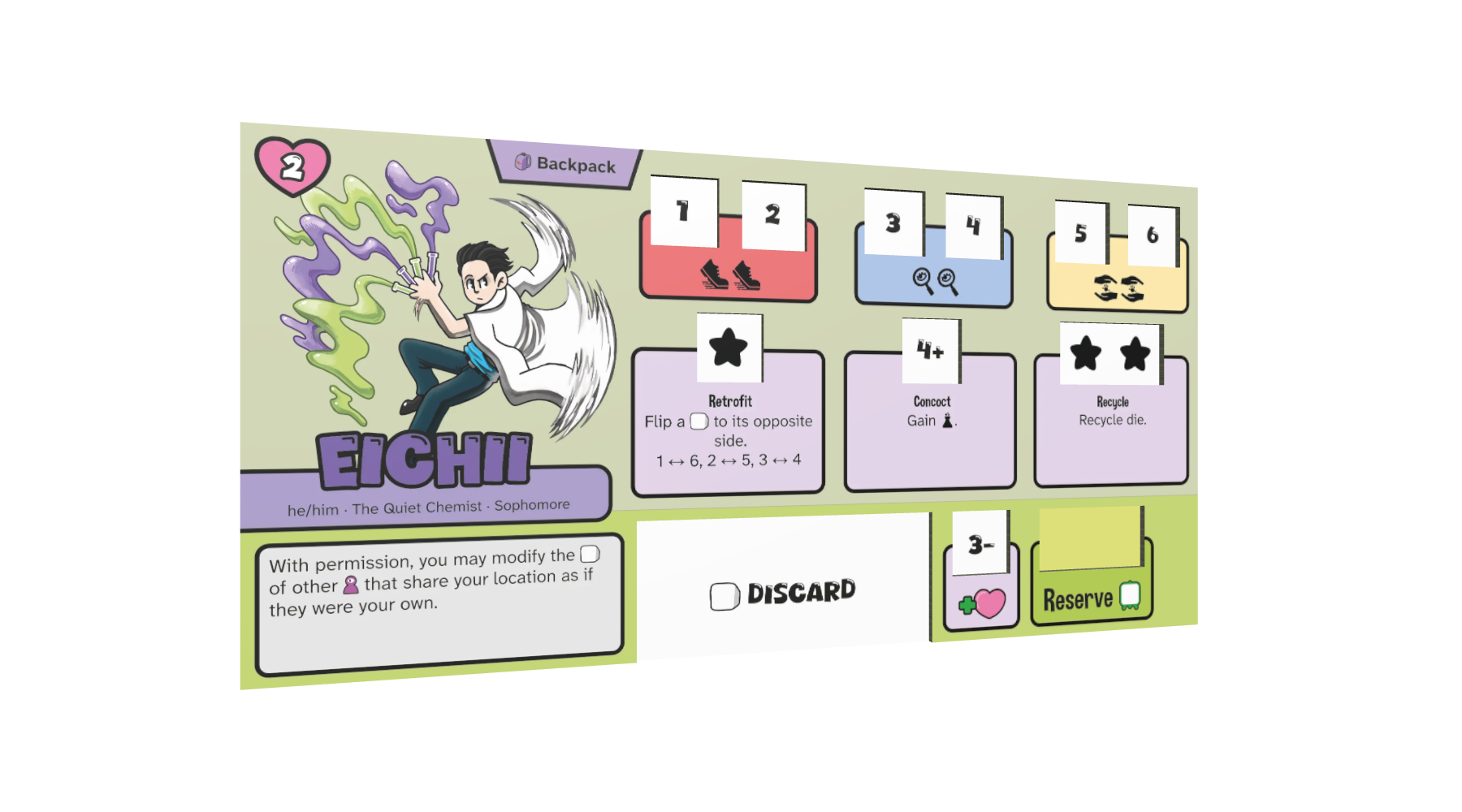
Use 12pt or higher in the rulebook. Use 10pt or higher for components that you hold. Larger is better.
Magic the Gathering supposedly uses a font size of 9pt, but I think a slight bump would be better as a default. If you need to go lower you can, but each point of lost font size will alienate some people.
Left-align text
Always left-align multi-line text.
Left aligned text is widely accepted to be better since it makes it easier to find the next line when reading. Single-line text can be centered, but multi-line text creates problems. Like when a lone word overflows to the last line, called a runt.
Use black text
Never use any other color than black for body text.
When printed, most text needs to be "pure black" to stay crisp, that being 100% black ink with no color mixed in (roughly #282828 in hex). If you use any other color for text, it may not come out as crisp when printed.
If you want to differentiate text, use a styled background, italics, or a change in font-size. A styled background is best, but don't go overboard.
Use muted background colors
When dealing with text, always use a background with a light, low-saturation color.
One of the most common mistakes amateur graphic designers make when doing just about anything is to use high saturation colors. These are the "neon" colors that you find in the far corner of color pickers. Instead, use a shade closer to white behind text.
You could use a contrast checker like this one to check if your background is light enough for your text, but I find that they aren't accurate for checking printed colors.